React Native Boilerplate
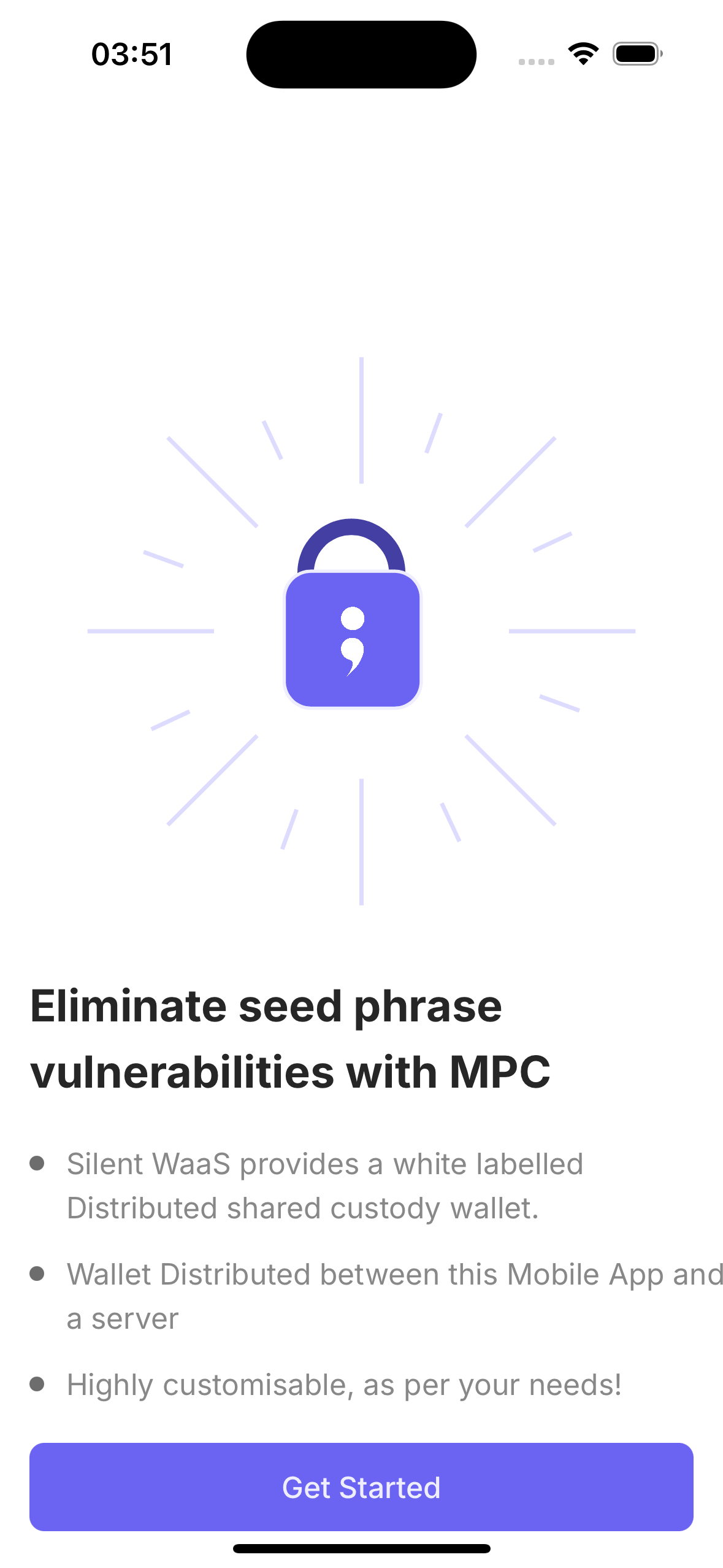
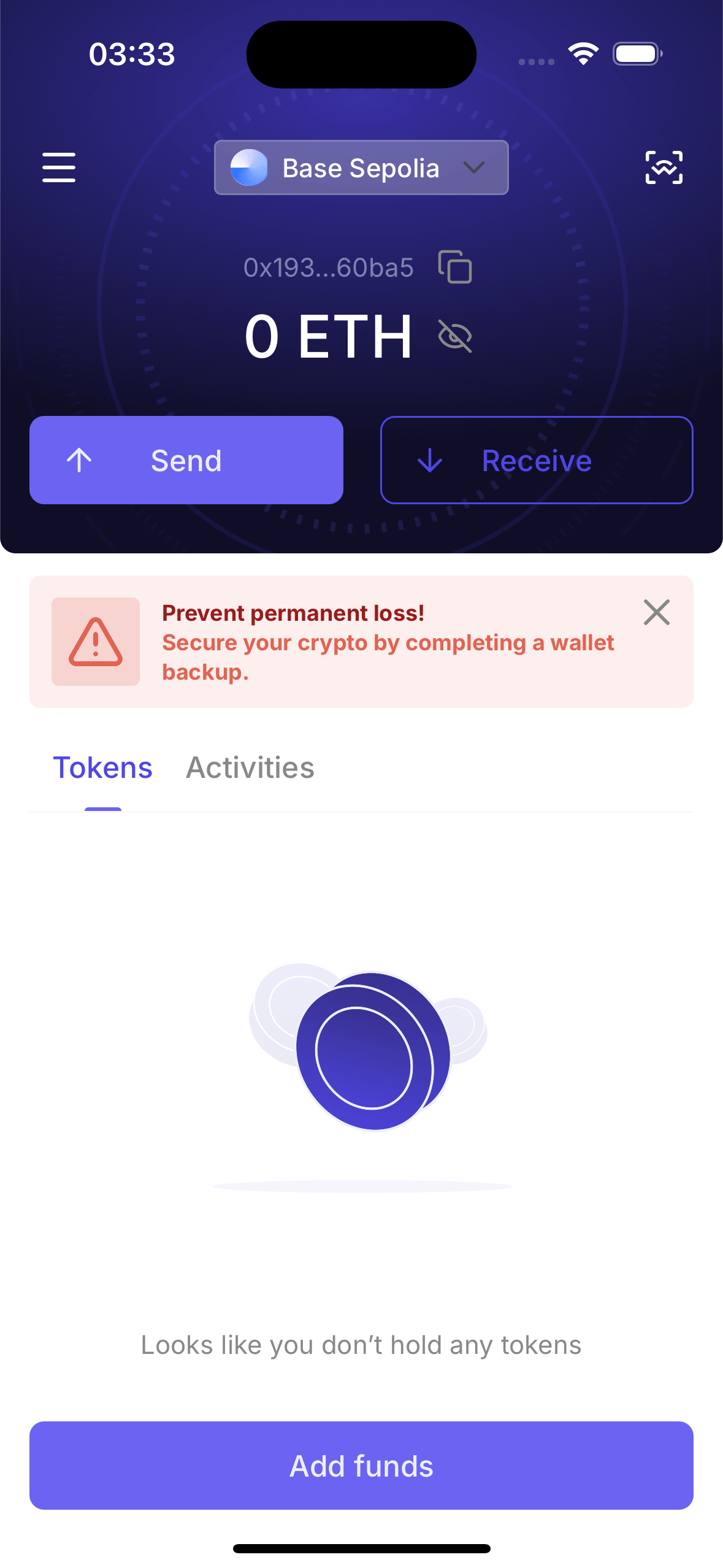
The Silent Shard React Native Boilerplate is a production-quality reference app that shows you how to integrate MPC-based wallets into a mobile application. It is built with Expo and demonstrates the full user journey — from authentication and key generation to multi-chain signing, dApp connectivity, biometric backup, and recovery.
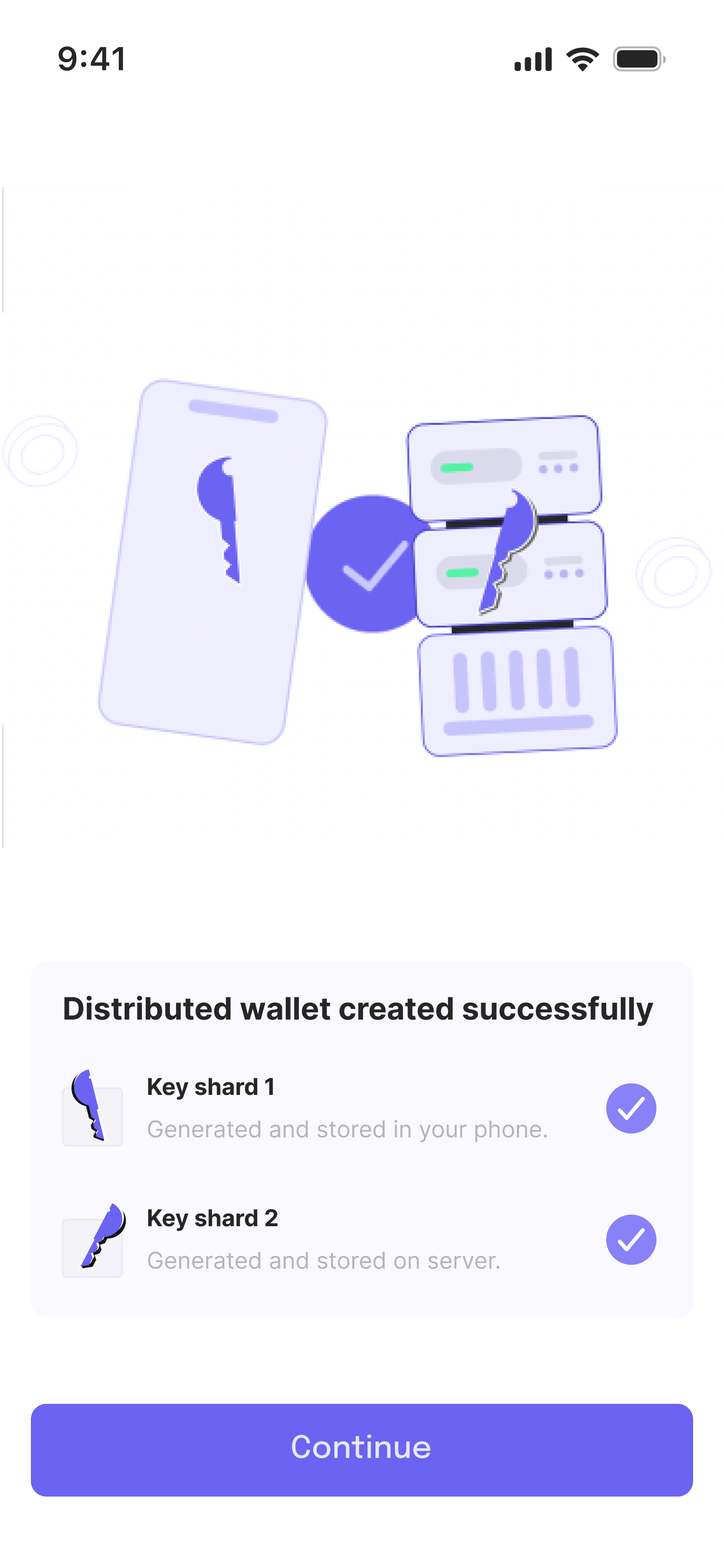
There is no full private key anywhere. The wallet works by splitting key material between the user's device and a cloud MPC node (duo-server). Every signing operation is a collaboration between these two parties.
Features
| Feature | Details |
|---|---|
| MPC Signing | No full private key — device + cloud co-sign together |
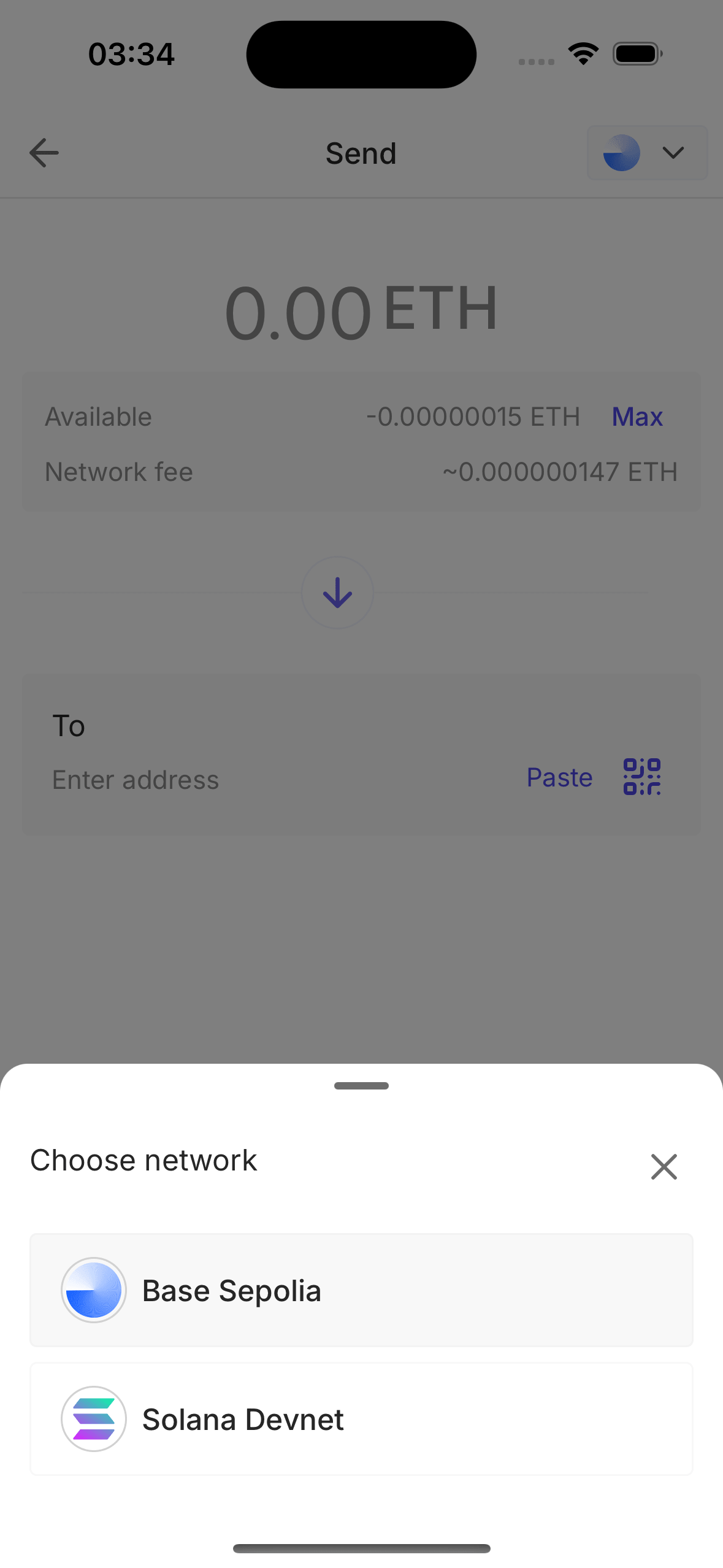
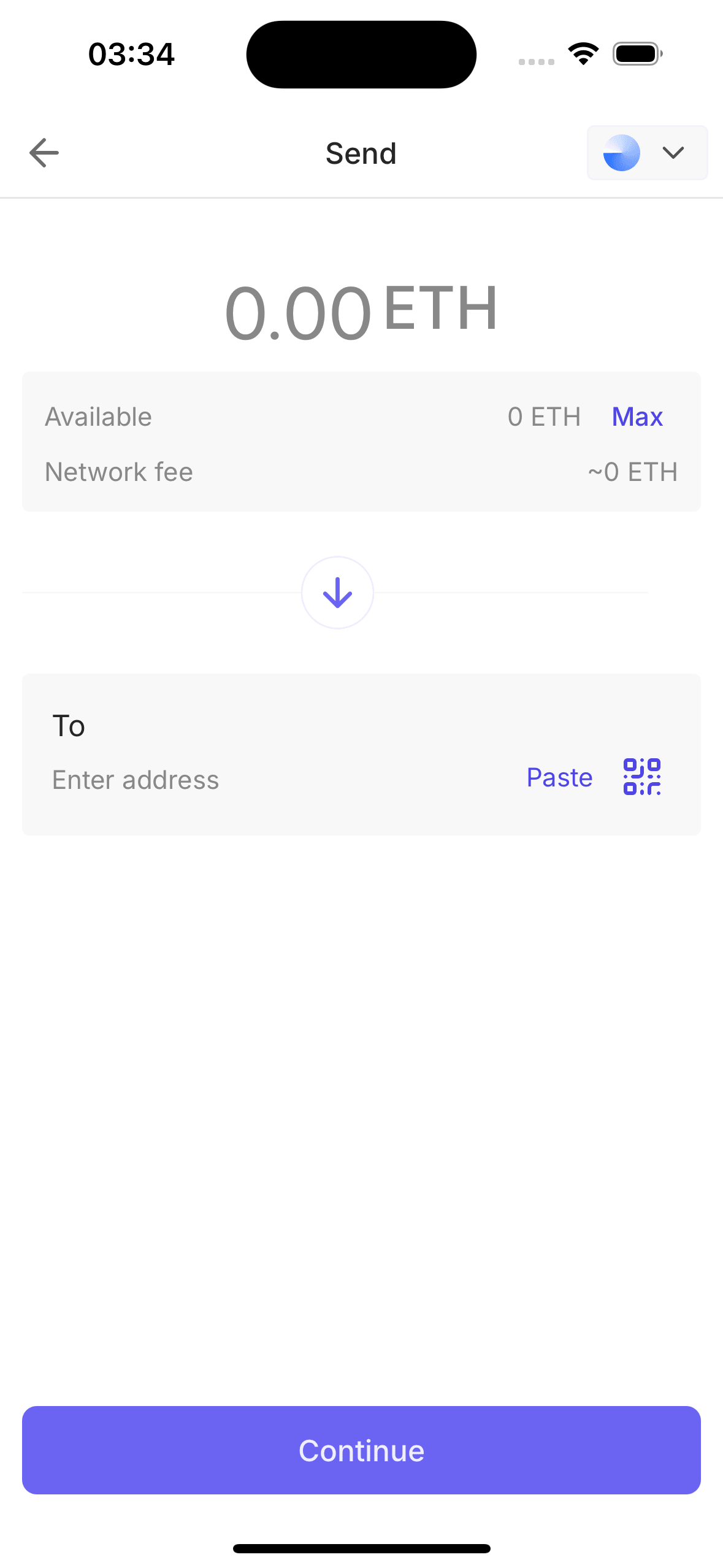
| Multi-Chain | EVM (via viem) + Solana (via @solana/web3.js) |
| WalletConnect v2 | Connect to dApps, approve sessions, sign transactions |
| Biometric Lock | Face ID / Fingerprint / PIN via expo-local-authentication |
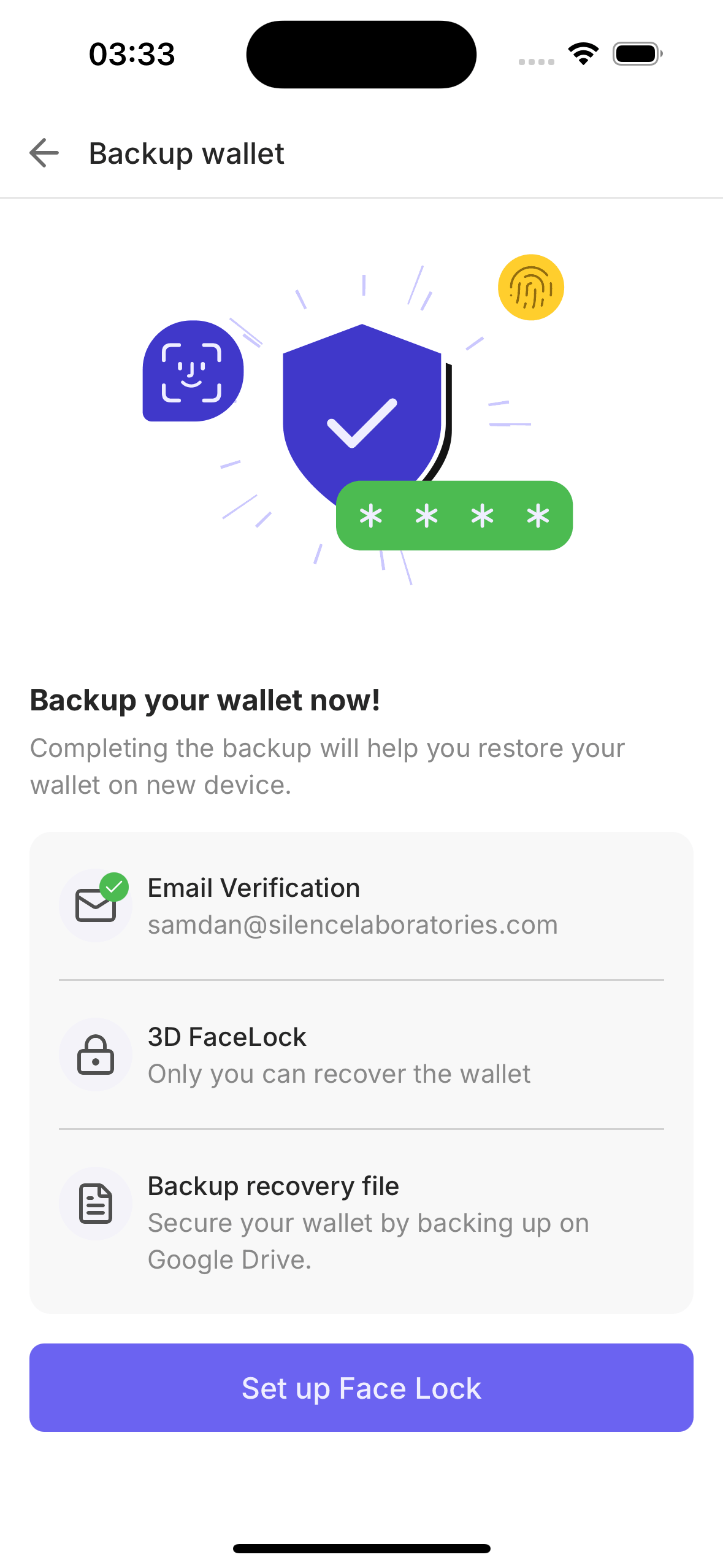
| Biometric Backup | FaceTec 3D face scan encrypts and backs up keyshares |
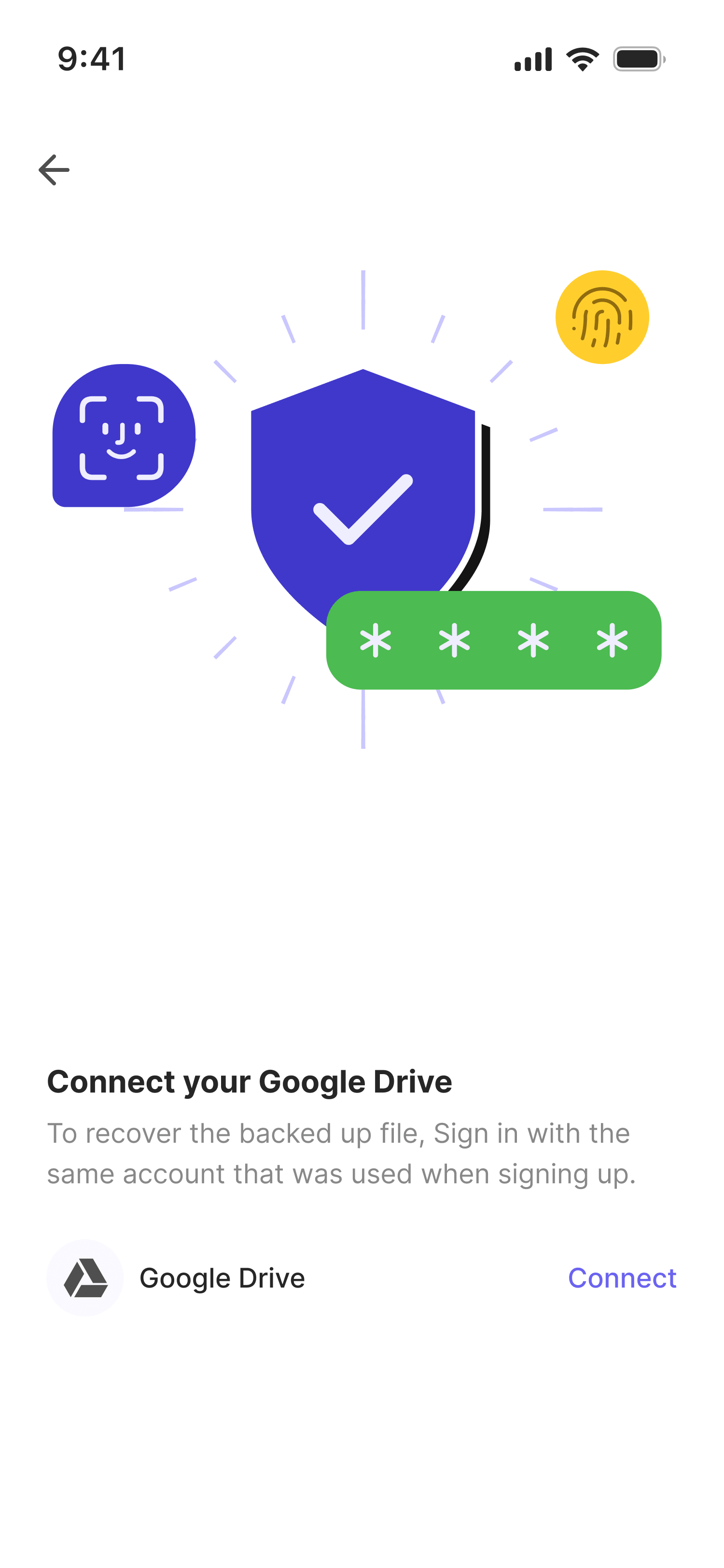
| Recovery | Restore wallet on new device using face scan + Google Drive key |
| Auth | Auth0 email login + optional Google Sign-In |
Architecture
Loading Diagram...
Key Libraries
| Library | Purpose |
|---|---|
@silencelaboratories/silent-shard-sdk | MPC key generation and signing sessions |
viem | EVM account creation, transaction building, and signing |
@solana/web3.js | Solana transactions and address derivation |
@reown/walletkit | WalletConnect v2 wallet-side integration |
react-native-auth0 | Auth0 authentication and credential management |
Prerequisites
- Node.js 20 or later
- Yarn package manager
- Xcode (for iOS) or Android Studio (for Android)
- Accounts for: Auth0, Google Cloud, WalletConnect (Reown), FaceTec
- From Silence Laboratories:
- NPM access token (for
@silencelaboratoriespackages) - Docker image access for duo-server and auth-svc
- Cloud node URL and verifying key
- NPM access token (for
New here? Follow the guide in order: Backend Setup → Third-Party Services → Setup → Code Walkthrough.