React Native Boilerplate
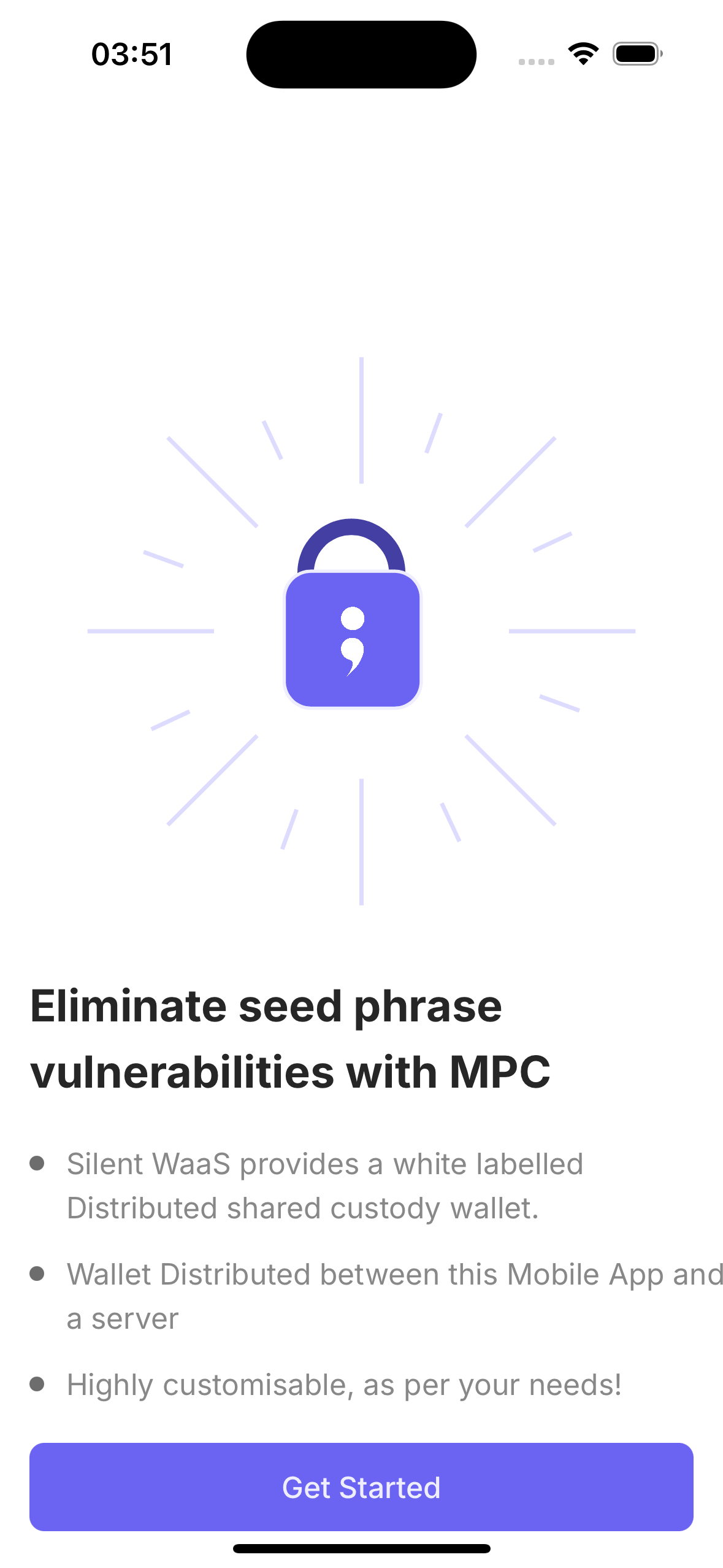
The Silent Shard React Native Boilerplate is a production-quality reference app that shows you how to integrate MPC-based wallets into a mobile application. It is built with Expo and demonstrates the full user journey — from authentication and key generation to multi-chain signing, dApp connectivity, biometric backup, and recovery.
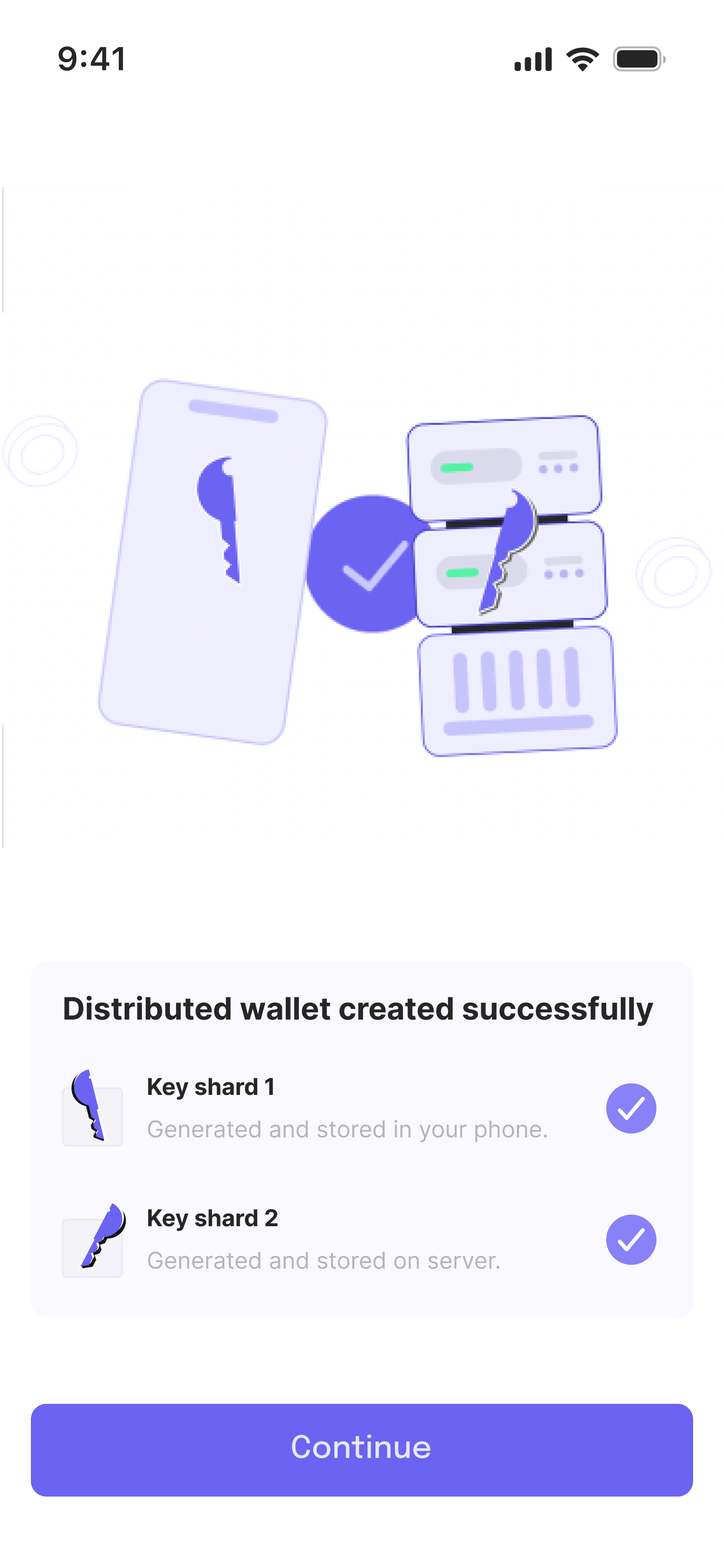
There is no full private key anywhere. The wallet works by splitting key material between the user's device and a cloud MPC node (duo-server). Every signing operation is a collaboration between these two parties.
How the app, auth-svc, and duo-server interact
The app talks to auth-svc for user and device registration, then talks to duo-server for MPC key generation and signing. Before duo-server participates in either MPC protocol, it calls an auth-svc hook to confirm the registered device is allowed to continue.
Features
| Feature | Details |
|---|---|
| MPC Signing | No full private key — device + cloud co-sign together; supports DUO (2-of-2) and TRIO (2-of-3) |
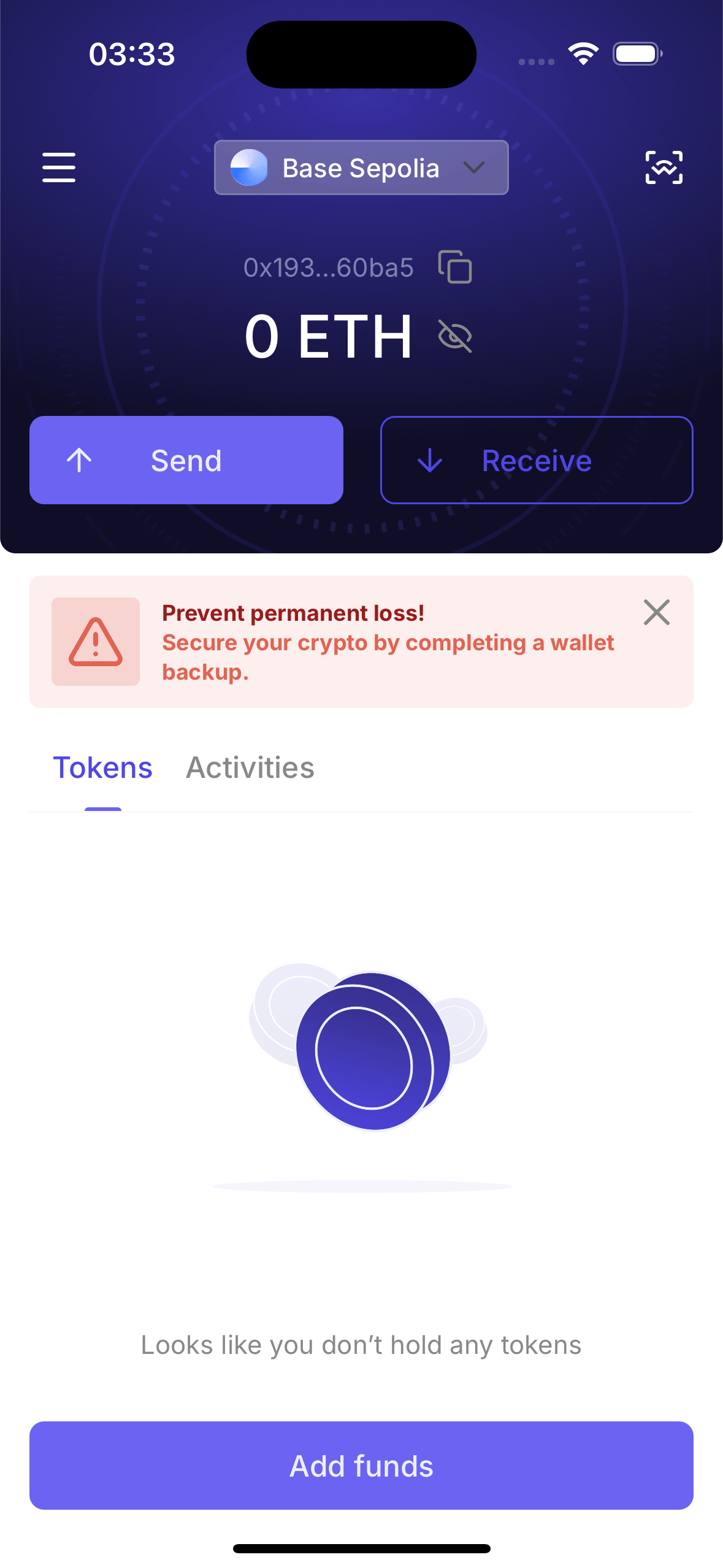
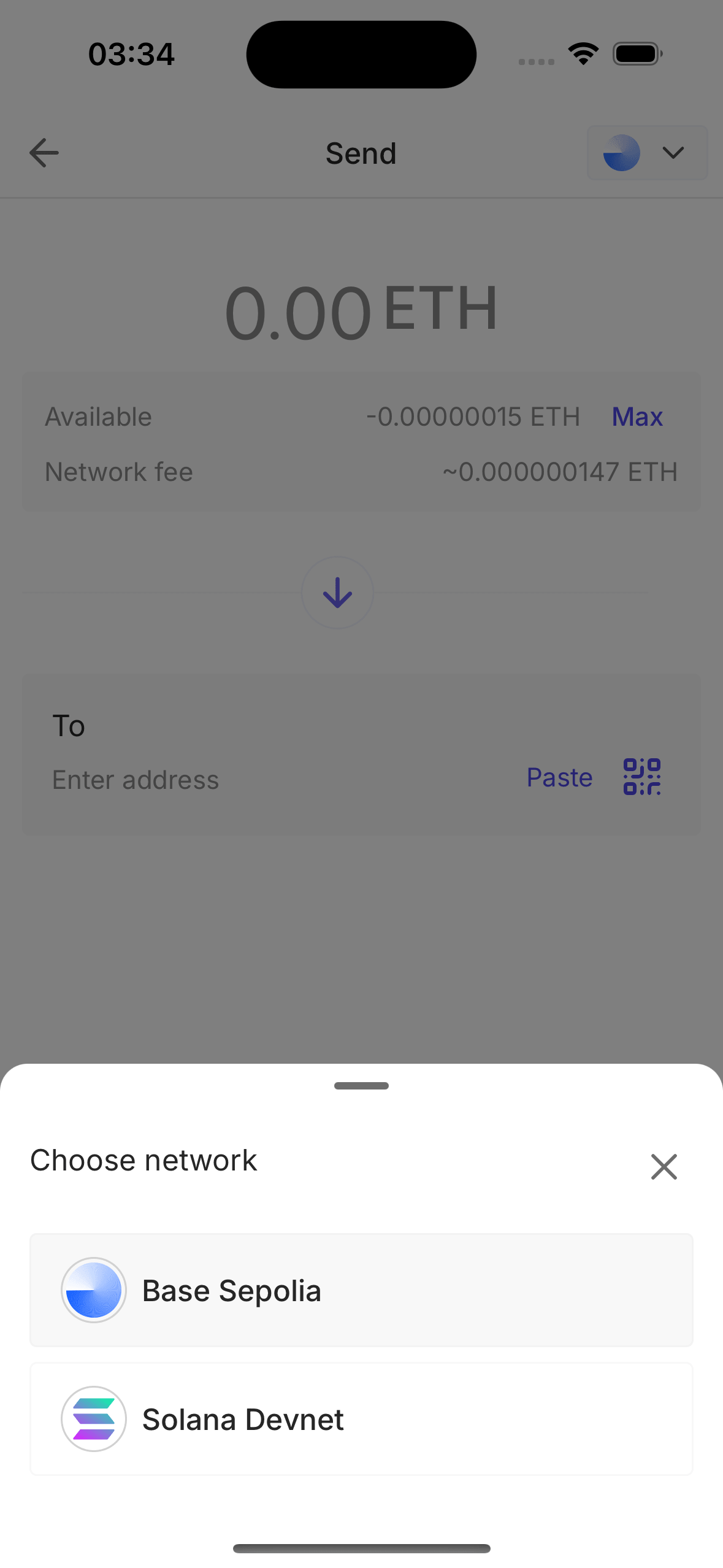
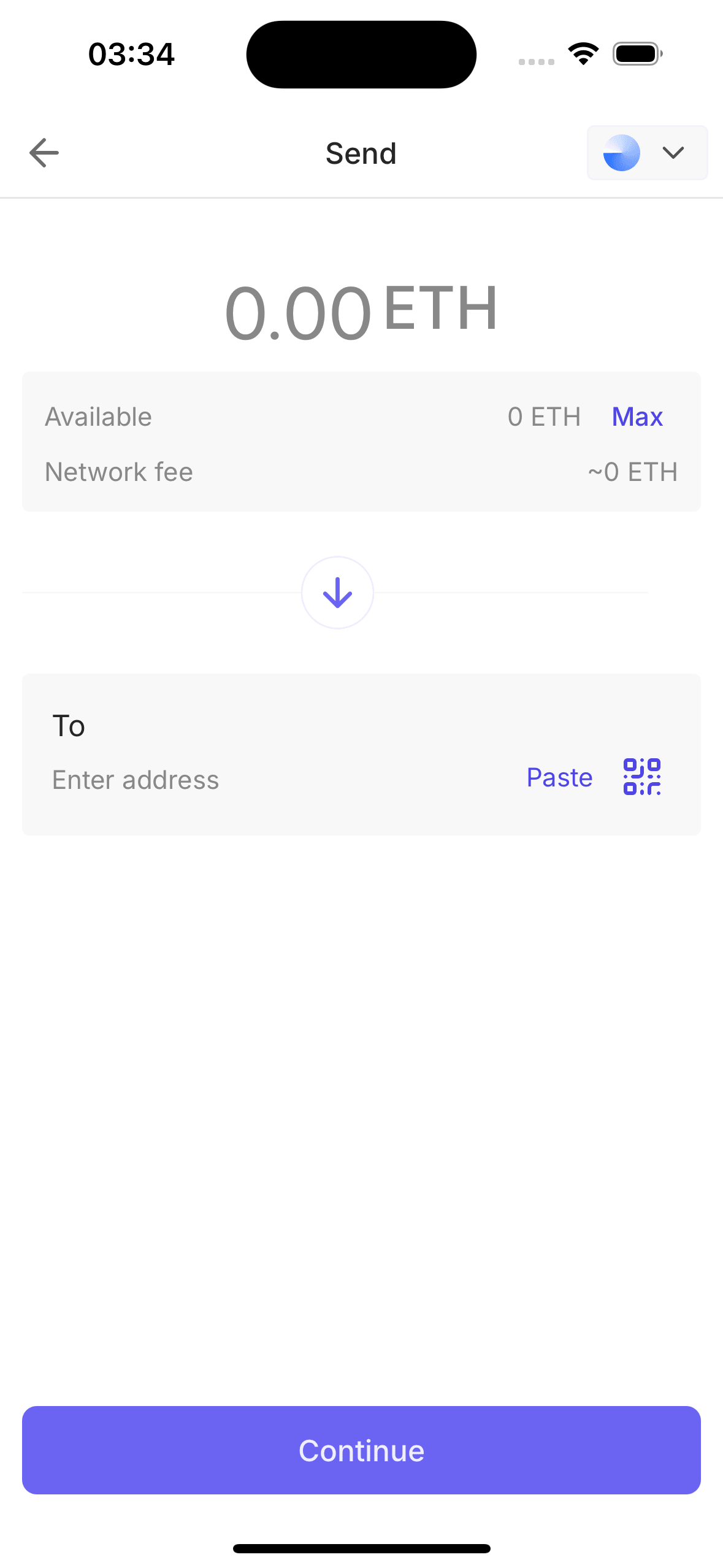
| Multi-Chain | EVM (viem), Solana (@solana/kit), and Bitcoin Testnet4 (bitcoinjs-lib) |
| Post-Quantum | Post-quantum signing (ML-DSA) and verification using ZKNOX contracts |
| Token Support | USDC — ERC-20 on EVM and SPL on Solana — alongside native ETH / SOL / BTC |
| Configurable Backend | In-app Server settings to switch between Duo Demo, Trio Demo, or a custom deployment at runtime |
| WalletConnect v2 | Connect to dApps, approve sessions, sign EVM and Solana requests |
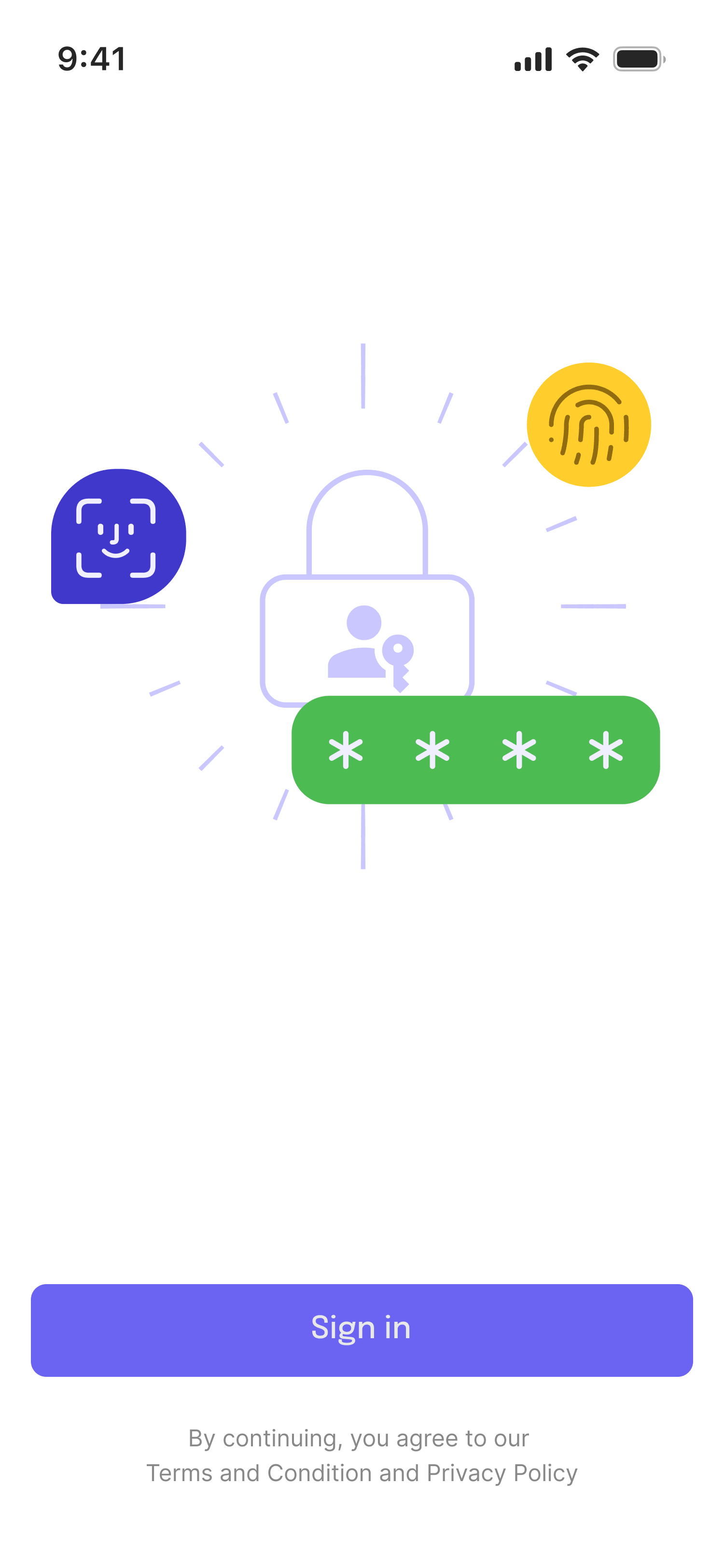
| Biometric Lock | Face ID / Fingerprint / PIN via expo-local-authentication |
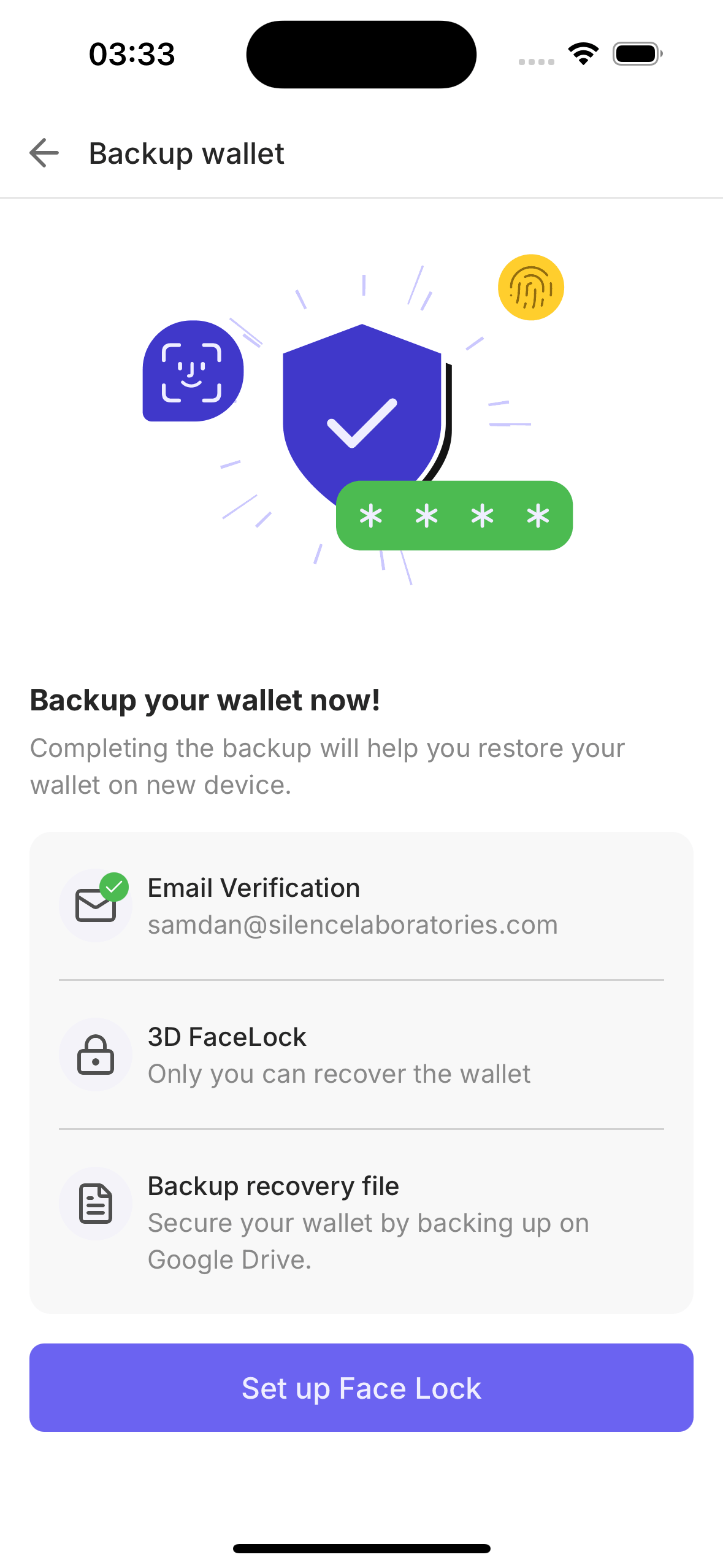
| Biometric Backup | FaceTec 3D face scan encrypts and backs up keyshares |
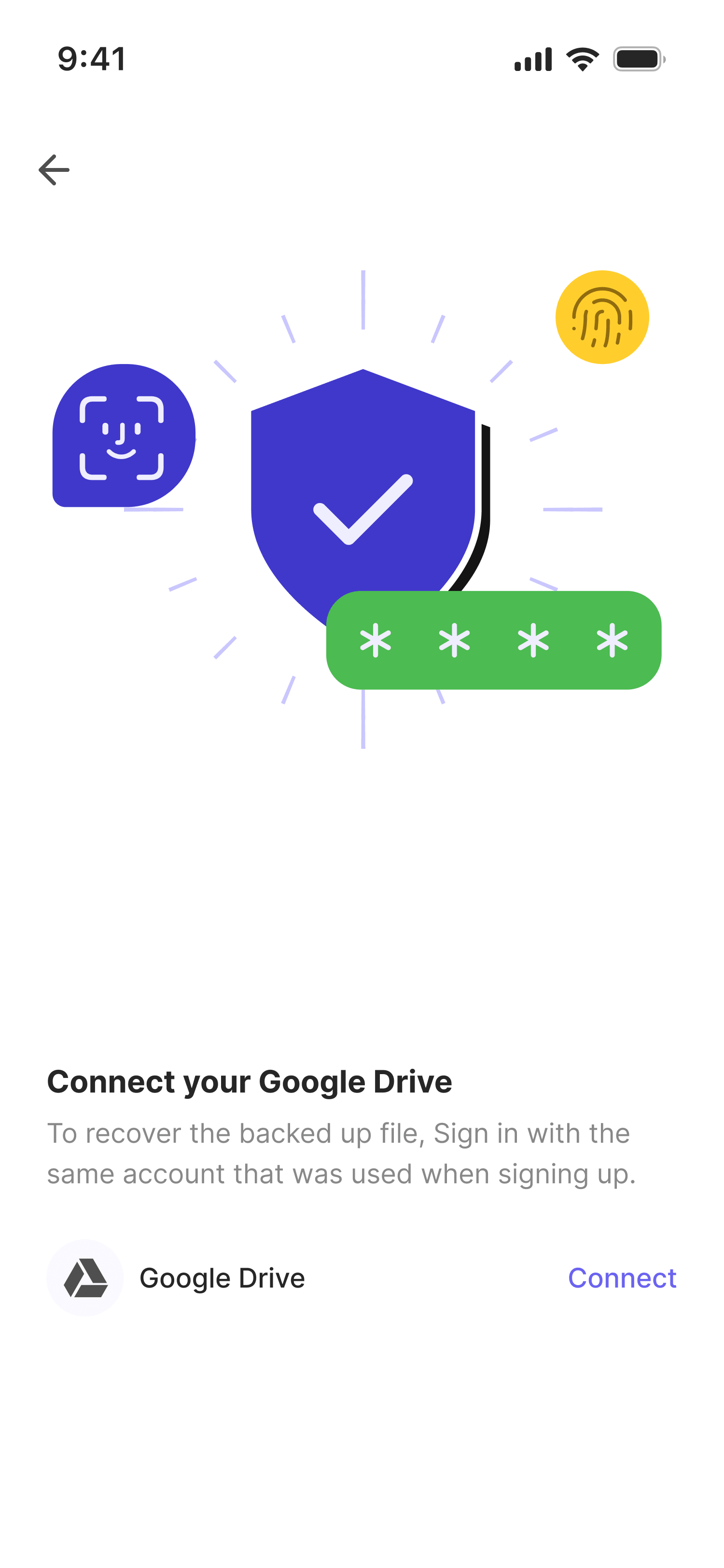
| Recovery | Restore wallet on new device using face scan + Google Drive key |
| Auth | Auth0 email login + optional Google Sign-In |
Key Libraries
| Library | Purpose |
|---|---|
@silencelaboratories/silent-shard-sdk | MPC key generation and signing sessions |
@silencelaboratories/dkls-sdk | ECDSA signing for EVM and Bitcoin |
@silencelaboratories/schnorr-sdk | EdDSA signing for Solana |
@silencelaboratories/mldsa-sdk | ML-DSA signing for Post-Quantum security |
@silencelaboratories/react-native-secure-key | Hardware-backed device key for signing device challenges |
viem | EVM account creation, transaction building, and signing |
@solana/kit | Solana transactions and address derivation |
bitcoinjs-lib | Bitcoin Testnet4 P2WPKH address derivation and PSBT signing |
@reown/walletkit | WalletConnect v2 wallet-side integration |
react-native-auth0 | Auth0 authentication and credential management |
expo-device | Physical-device detection — face and biometric features need real hardware |
What you'll need
The app ships with a pre-filled .env.example that points at our already-deployed Duo sandbox (backend, Auth0, FaceTec, Google, and WalletConnect are all configured for you). So for a first run you only need the basics:
| Requirement | Sandbox (Quick Start) | Self-hosting (Advanced) |
|---|---|---|
| Node.js 20+ and Yarn | ✅ Required | ✅ Required |
| Xcode (iOS) or Android Studio (Android) | ✅ Required | ✅ Required |
NPM access token (for @silencelaboratories packages) | ✅ Required — email [email protected] | ✅ Required |
| Auth0 / Google / WalletConnect / FaceTec accounts | ❌ Not needed — demo credentials are pre-filled | Required — see Third-Party Services |
Your own backend (duo-server + auth-svc) | ❌ Not needed — the sandbox is deployed | Required — see Run Your Own Backend |
Start here → Quick Start. Clone the repo, cp .env.example .env, and run against the deployed sandbox — no third-party setup required. Self-hosting your own backend is an optional, advanced path covered later.